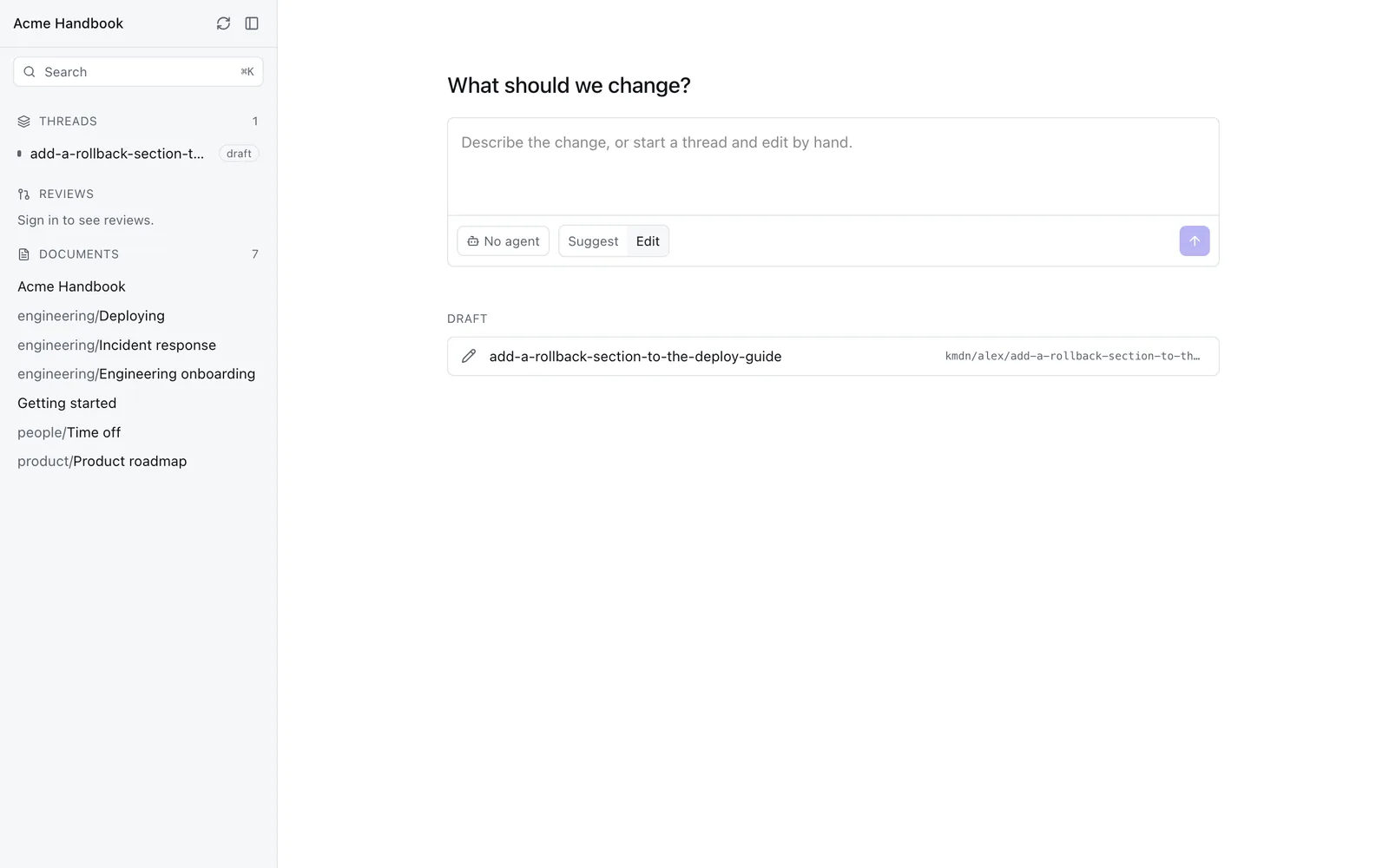
Threads
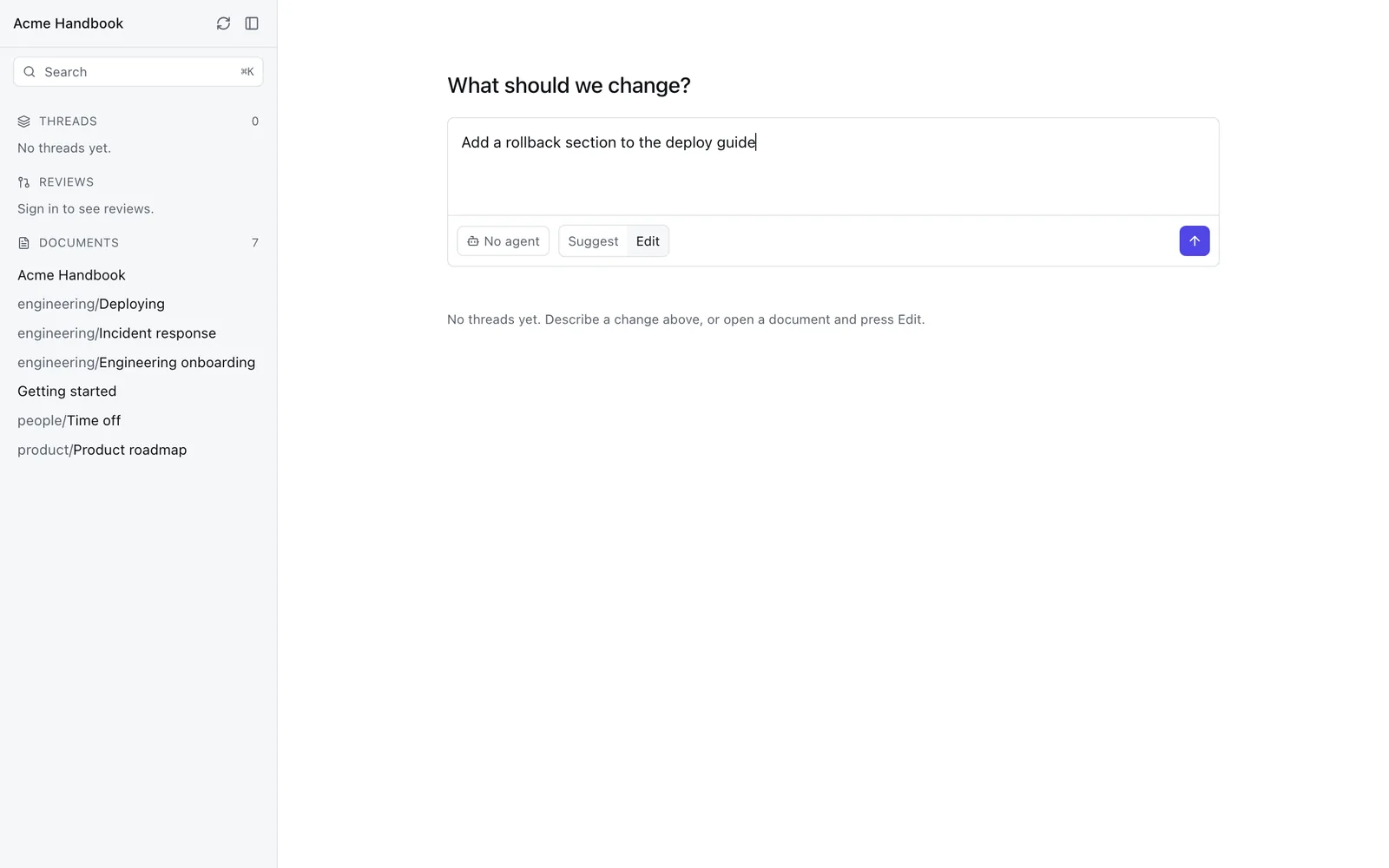
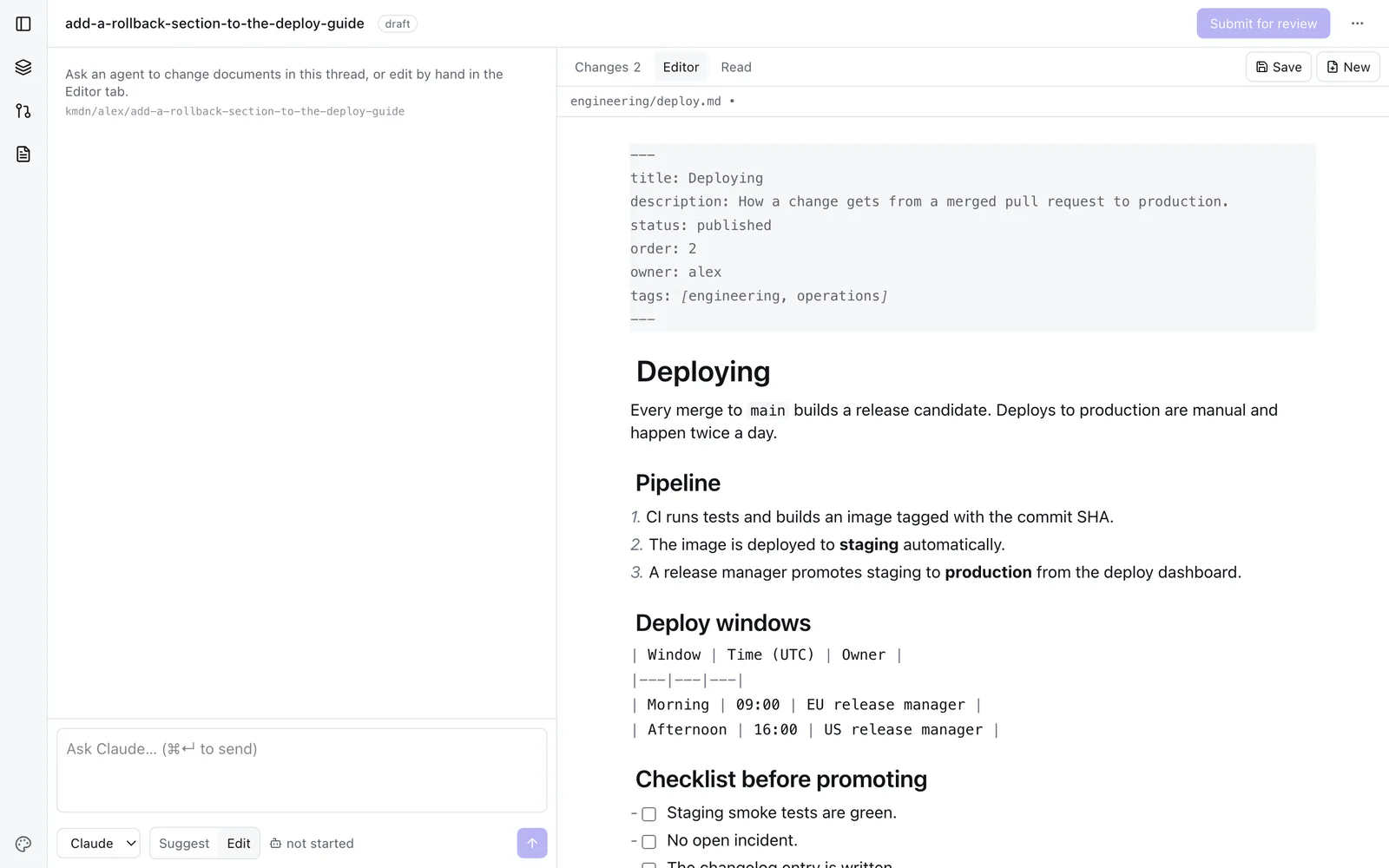
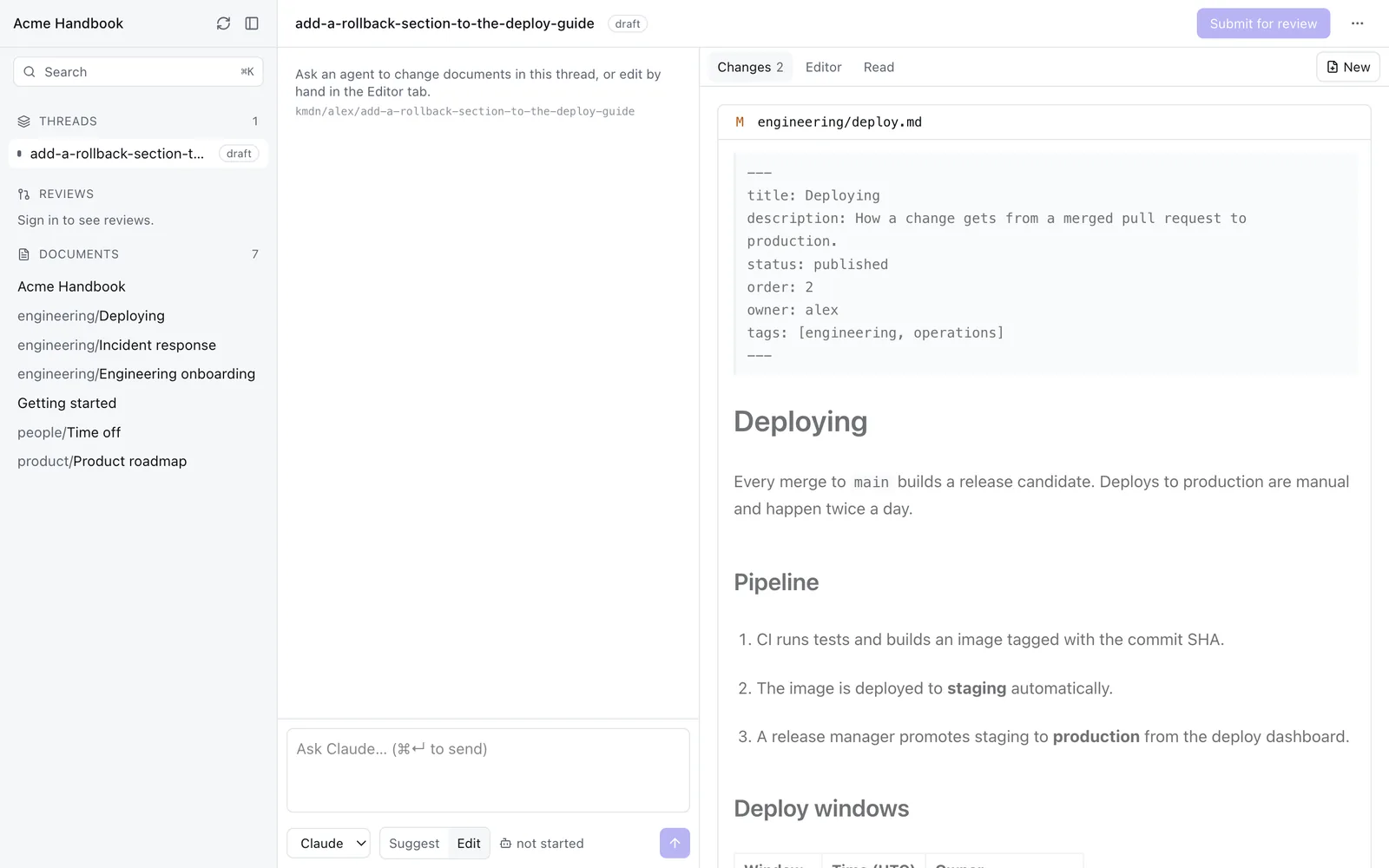
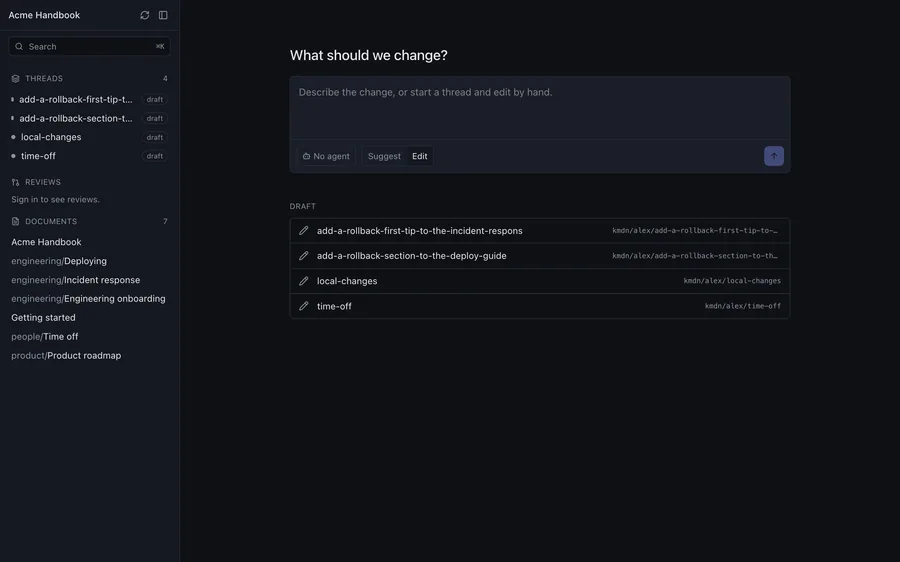
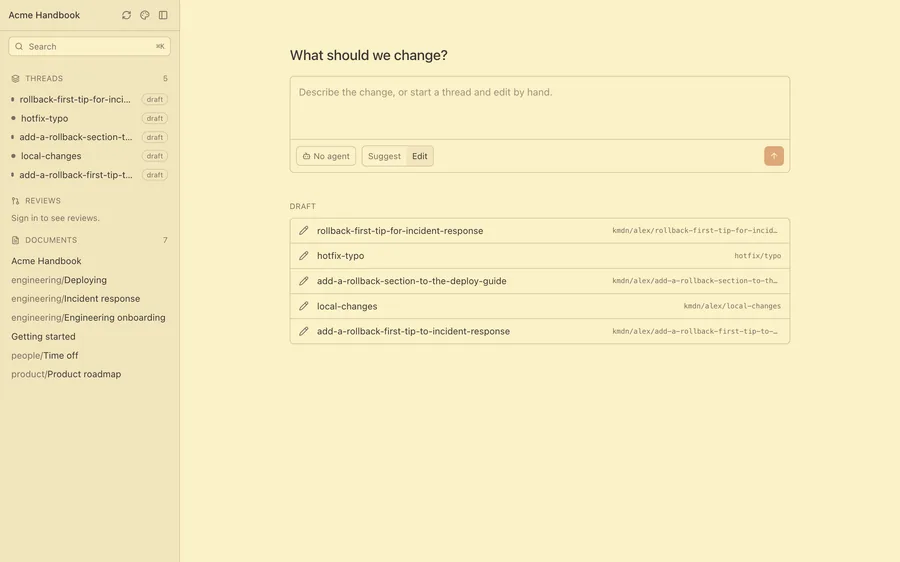
A thread is one change: a git worktree, its own branch, an optional agent conversation, and eventually a pull request. Starting one is the primary gesture, not opening a file.
Open source · Desktop app · Apache-2.0
kmdn puts a friendly editor and a real review flow on top of a git repository of markdown. People write. Agents write. Every change goes through a pull request.
Scroll
01 — The problem
Your team writes happily. Then an agent needs the content and finds an API, a database, and no honest way to review a change before it lands.
Agents are perfectly happy. Then someone who does not live in a terminal needs to fix a paragraph, and the fix quietly never happens.
One repository of markdown, edited by everyone, reviewed like code.
02 — How it works
Eight steps, in the order they actually happen. Scroll, or pick a step.
03 — What is in it
A thread is one change: a git worktree, its own branch, an optional agent conversation, and eventually a pull request. Starting one is the primary gesture, not opening a file.
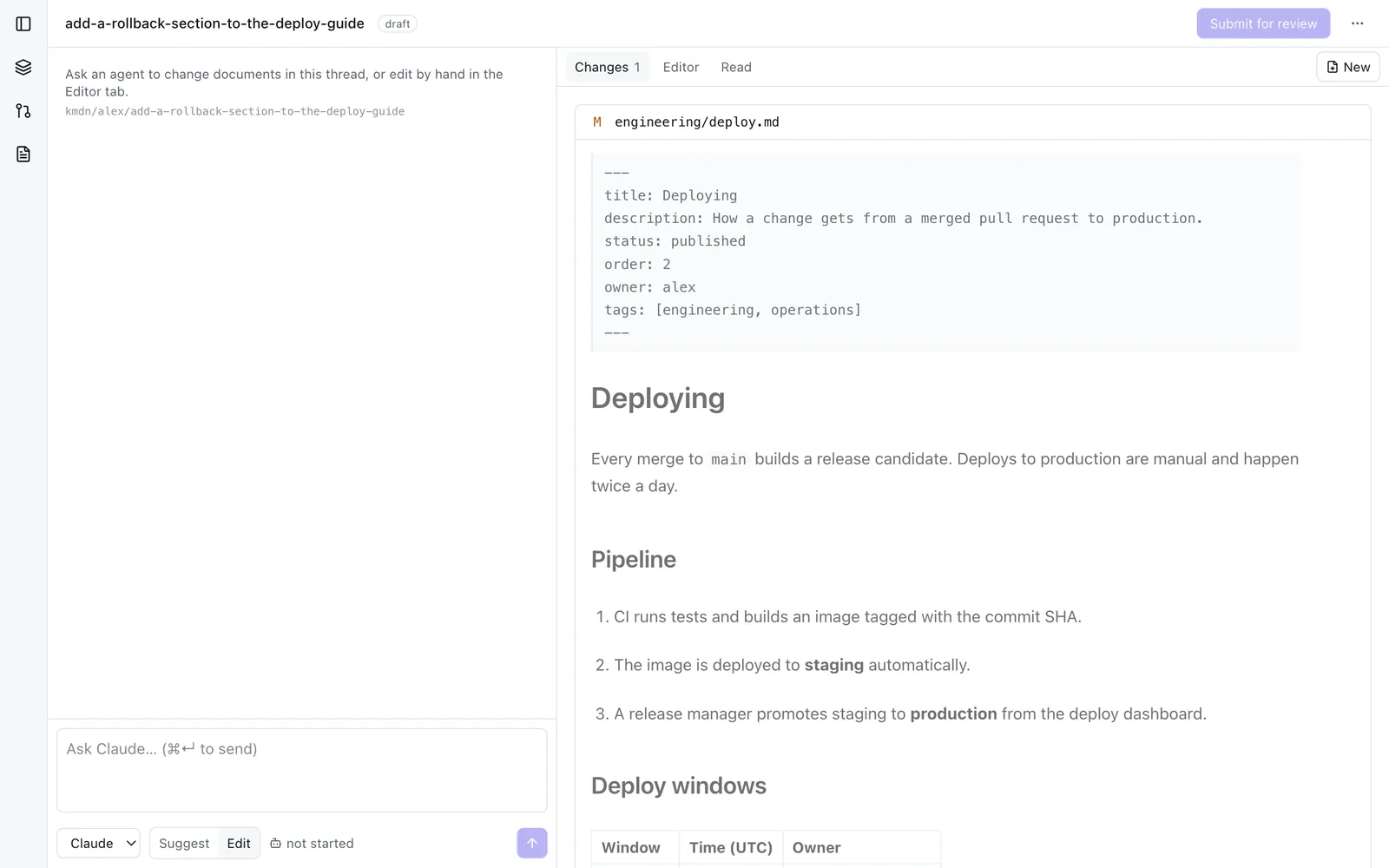
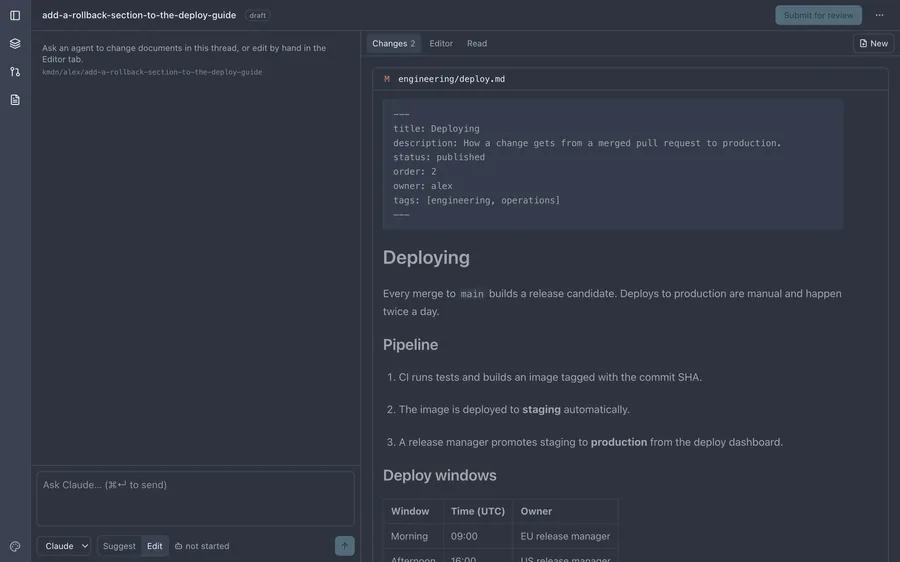
Changes are shown as rendered markdown, old beside new, with long runs of untouched blocks folded away. Reviewers read prose instead of counting plus and minus signs.
Comments, approvals, required checks, and merges all belong to GitHub or GitLab. Nothing kmdn needs lives only inside kmdn.
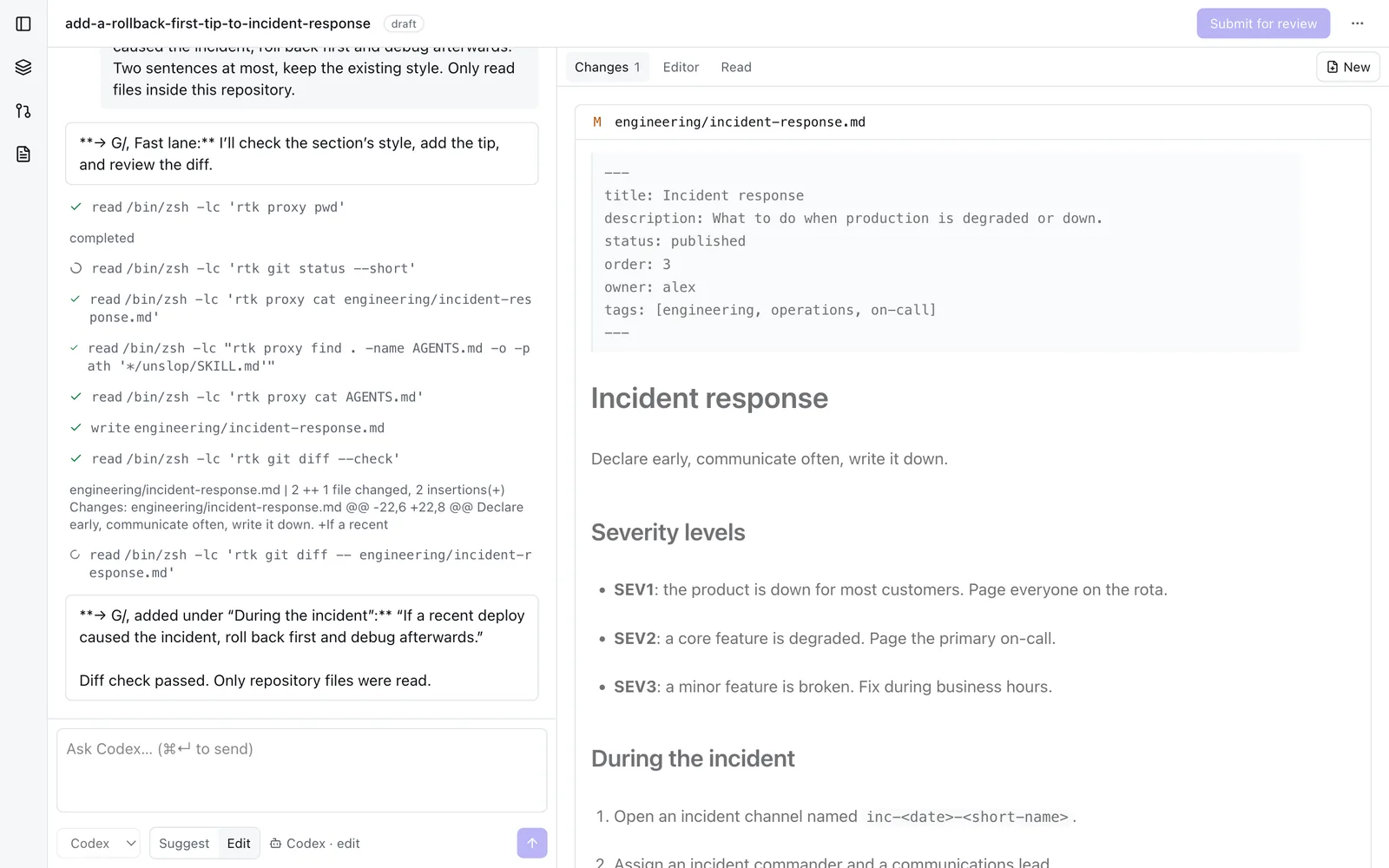
Claude Code, Codex, and pi run in the worktree through native adapters. A write gate normalises every path and refuses anything that is not a markdown document or an asset.
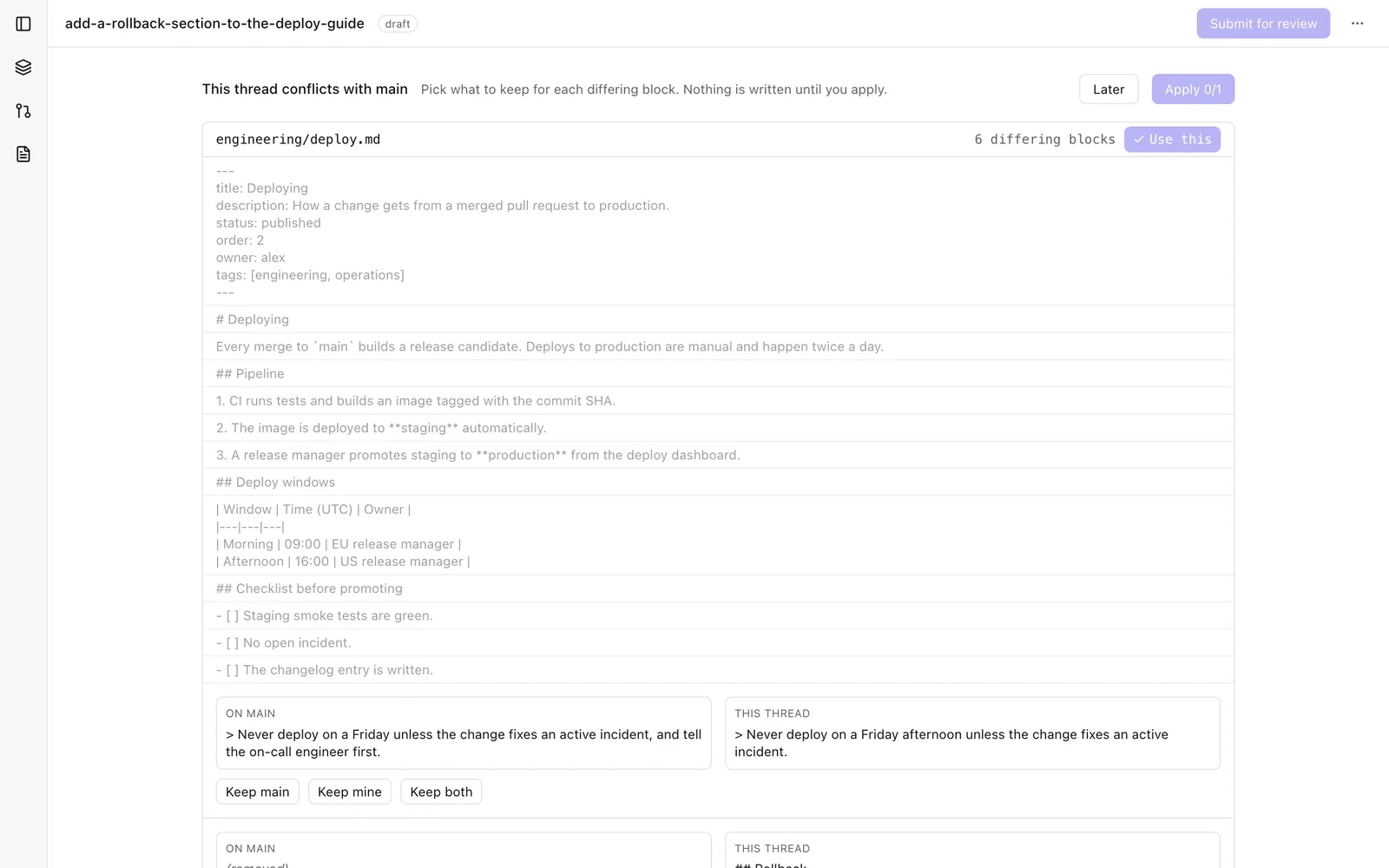
When main has moved under a thread, kmdn rebases and hands back the differing blocks. Each one shows what is on main next to what is in the thread, and you pick.
Broken relative links, invalid frontmatter, oversize or non-image assets, and a stale index are caught locally, and again on the pull request if you add the CI job.
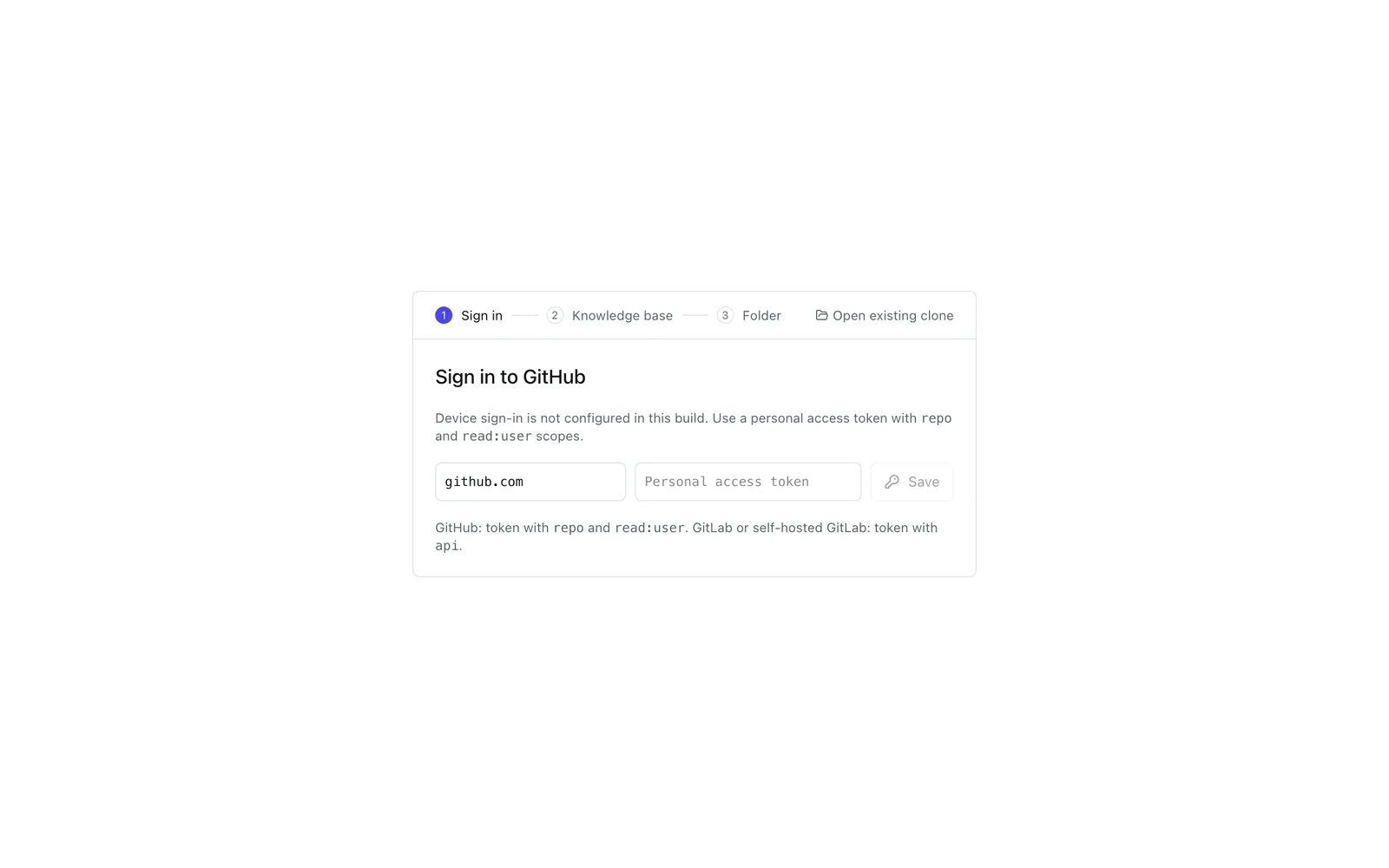
One provider interface covers both, including self-hosted GitLab. Sign in with a device flow or a token; tokens go to the operating system keychain.
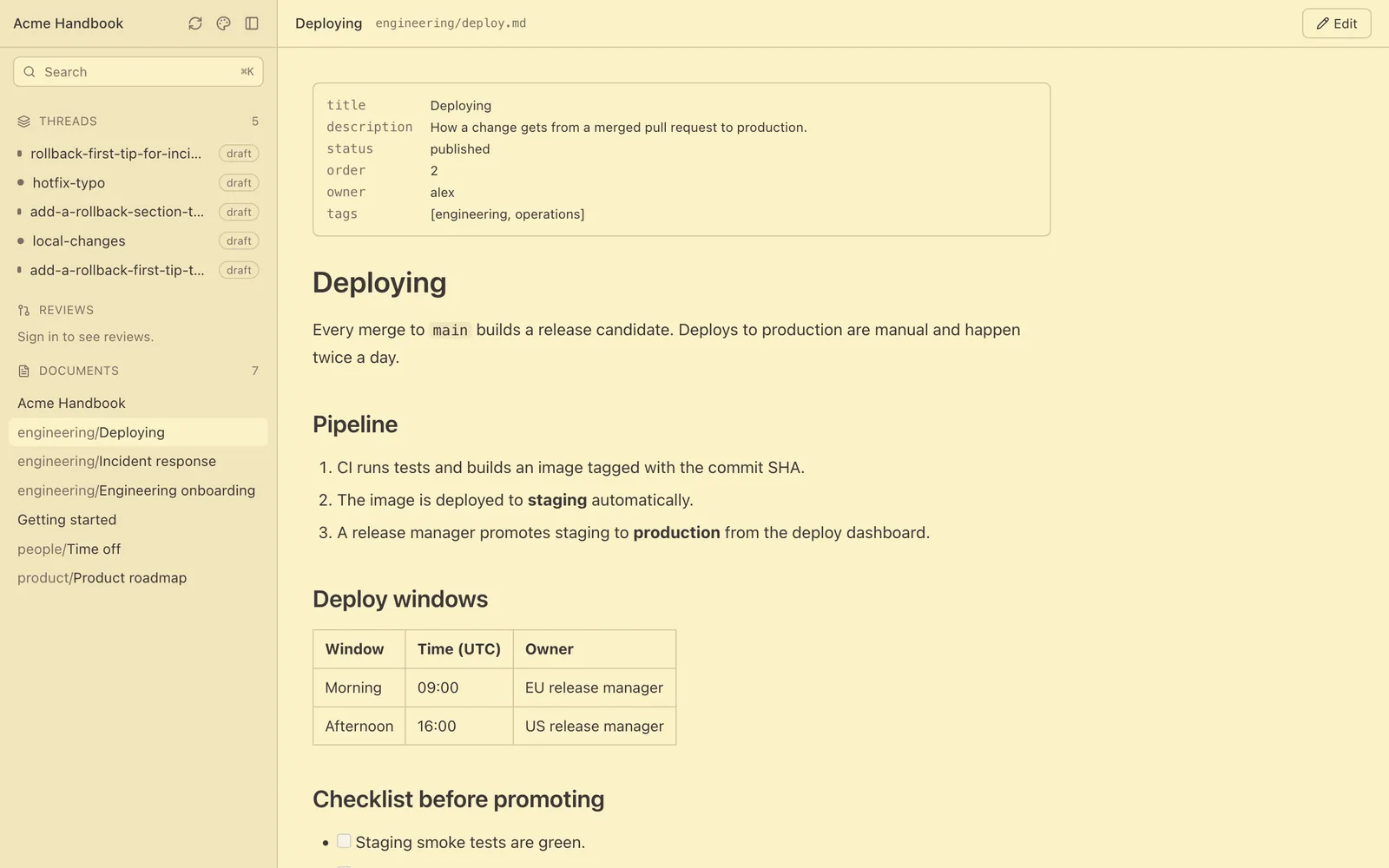
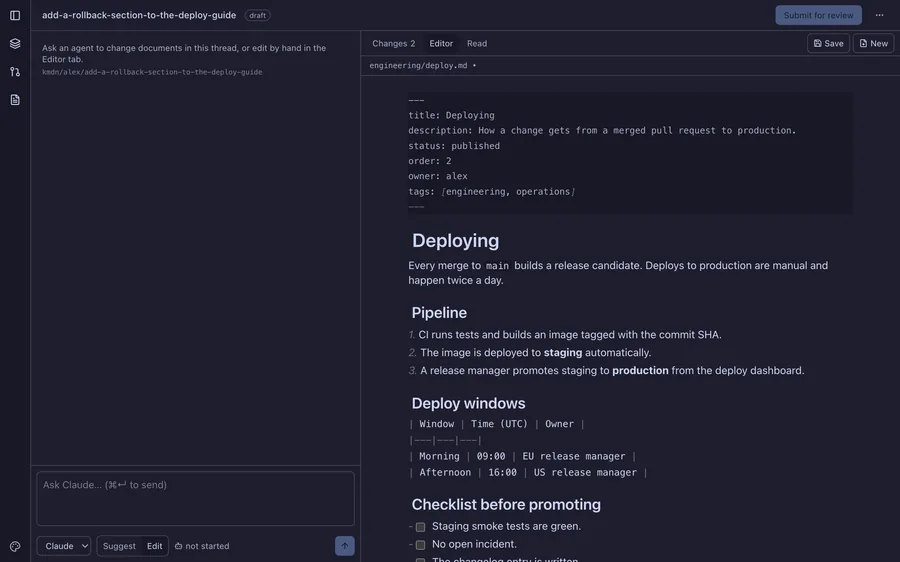
Ten themes including Catppuccin, Nord, and Gruvbox. Separate fonts for interface, reading, and code, with an adjustable reading size. Saved per device.
The same checks and the same index generation run from kmdn-cli, so a pull request opened from anywhere is held to the rules the app applies.
04 — Agents
They edit inside the same thread as a person, and their work goes through the same review.
Every tool call appears in the timeline as it happens: a read shows the file, a write shows the path, a refused call shows why. What kmdn cannot decide by itself becomes a question with an Allow and a Deny button. Nothing an agent writes is committed until you accept it.
assets/. Shell is refused.
05 — The repository is the point
kmdn keeps a generated AGENTS.md at the root: every document, its title, its description, and how the knowledge base is meant to be read. There is no database and no export step. Delete kmdn tomorrow and you still have a git repository full of markdown.
# no app required, no API, no export
git clone https://github.com/acme/handbook
cd handbook

# the map an agent reads first
cat AGENTS.md

claude "what is our deploy window?"
06 — Appearance
07 — Install
The golden path works end to end, and an end-to-end test drives it against a real repository. There are no signed packages yet, so today you build it yourself.
# clone and run
git clone https://github.com/kmdn-app/kmdn
cd kmdn
pnpm install
pnpm tauri dev

# a release build
pnpm tauri build
claude, codex, or piApache-2.0 · GitHub and GitLab · macOS and Linux
It is a git repository of markdown either way. kmdn is the part that lets the rest of your team keep it honest.